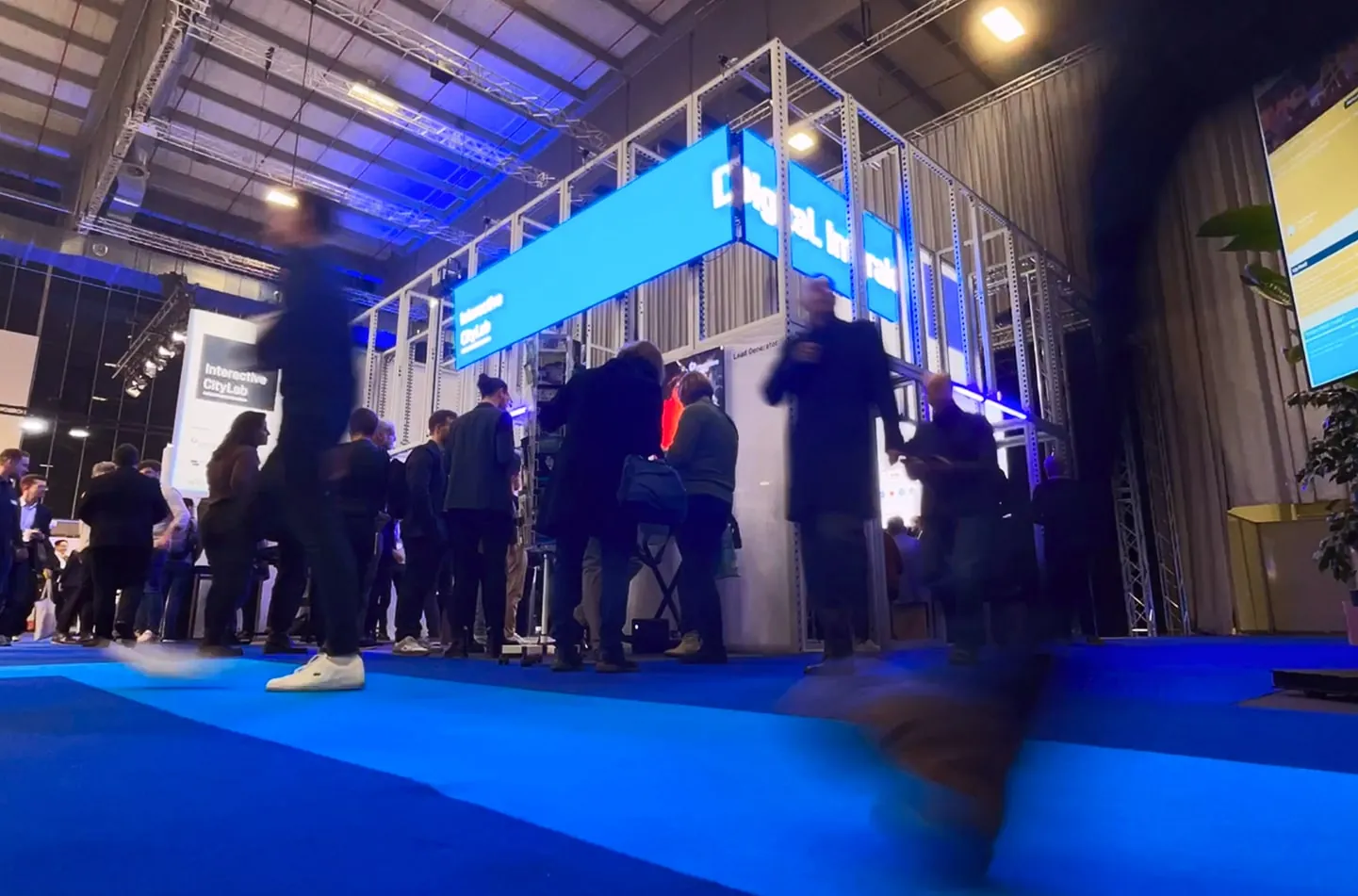
Trumpf Interaction Table
How do you explain industrial laser technology in a two-minute trade show visit?
- Client
- Trumpf SE + Co. KG
- Role
- Concept, UX & UI
- Year
- 2025
- Location
- Berlin, Germany
- At
- Interactive Scape GmbH
Getting visitors to start a sales conversation
Trumpf builds machine tools and industrial lasers for sheet metal processing and Industry 4.0.
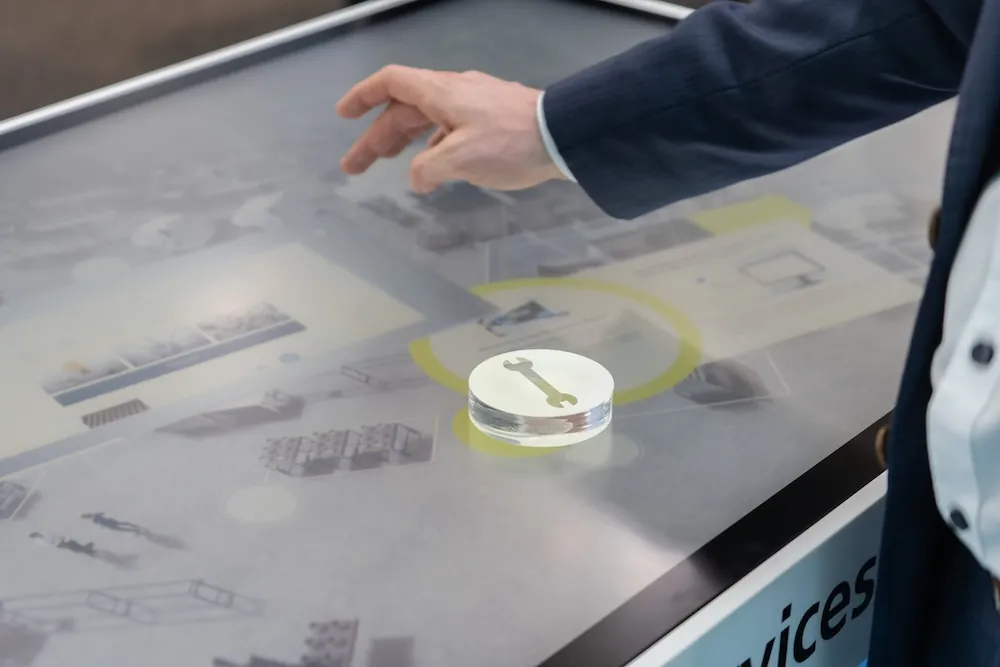
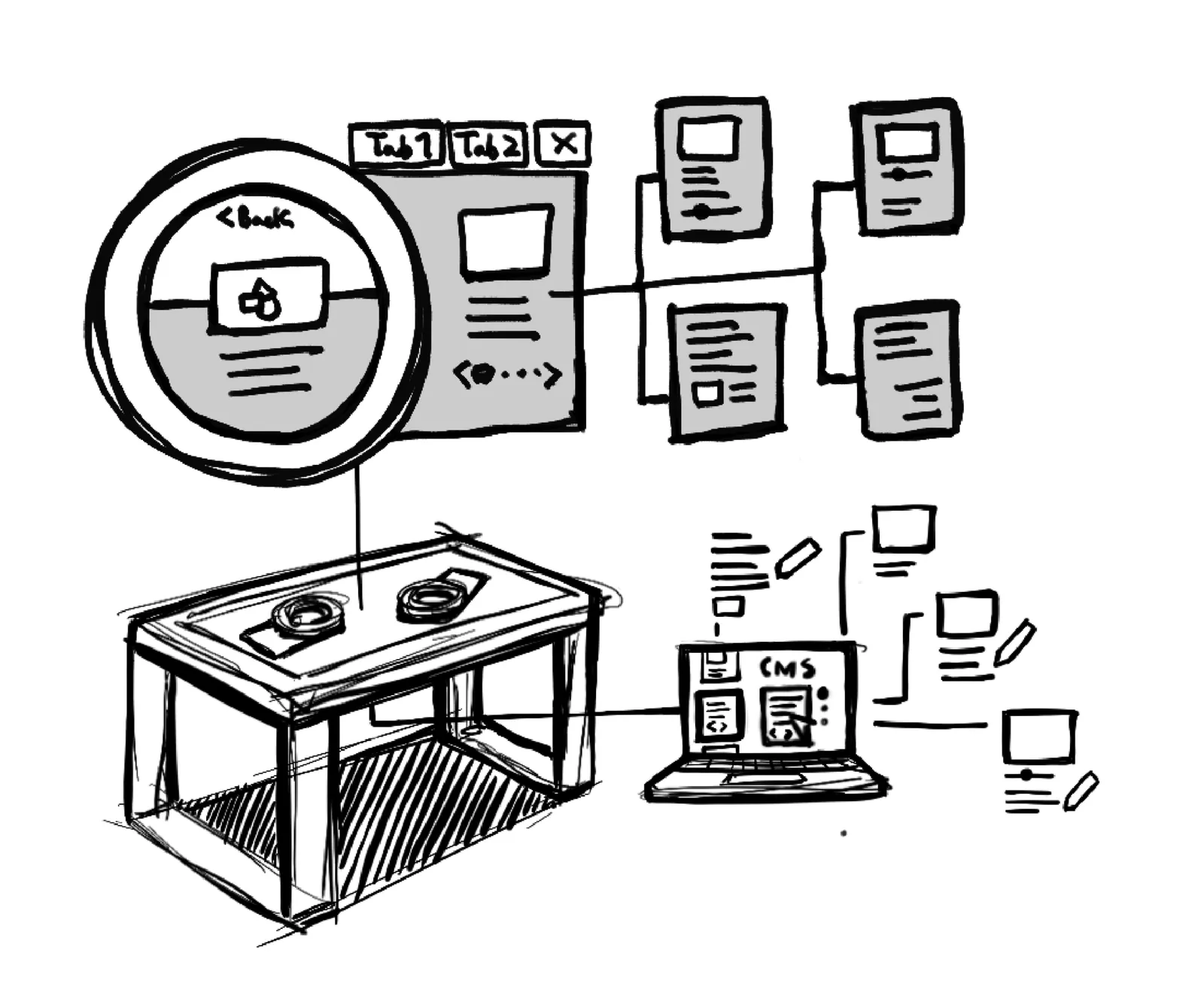
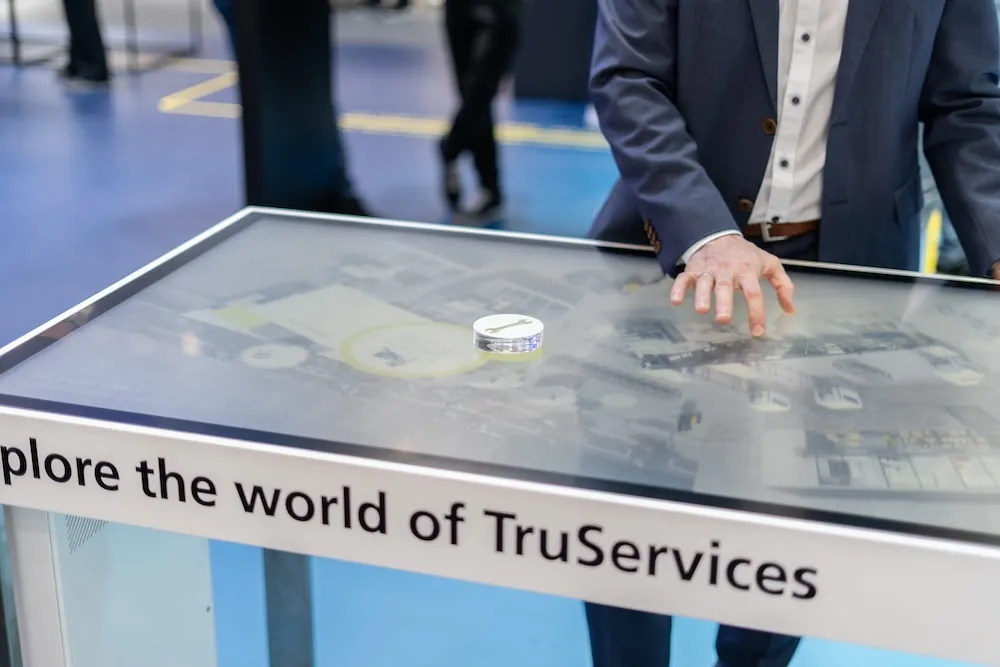
I led the UX design of an interaction table for Trumpf’s trade show booth. Using Scape X® Object Recognition, visitors explore Trumpf’s solutions with physical objects, and the table nudges them towards a conversation with a sales associate.
Who comes to the booth, and why
With Trumpf’s copywriter, sales associates, our project manager and chief creative technologist, I defined visitor profiles and product USPs. That set the UX strategy for what the table should achieve at the show.
Visitors already know the technology
They come to make business contacts. So the table shows a broad overview of solutions and USPs instead of deep product dives, and leaves the details to a sales conversation.
The table as a visitor magnet
The goal was to attract people and keep them at the booth longer, so sales associates could consult nearby and move straight on to the next visitor.
Short visits, physical movement
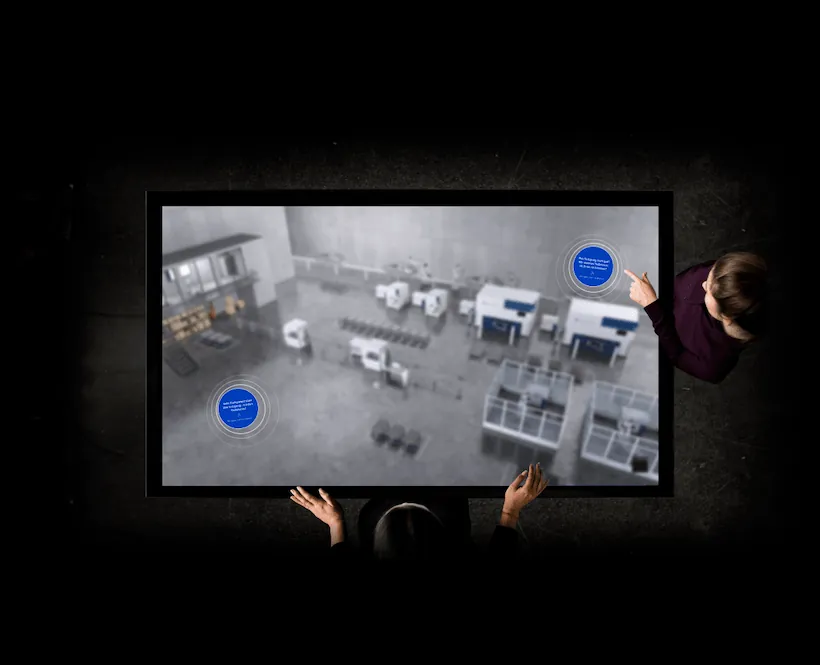
Booth visits are short, so the content structure is simple. What makes it different is movement: visitors push objects around the table, which also catches the eye of people walking past who can’t see the screen.
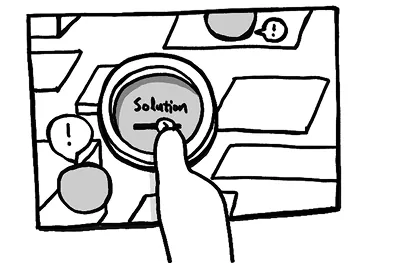
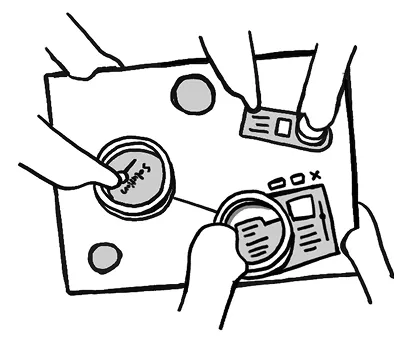
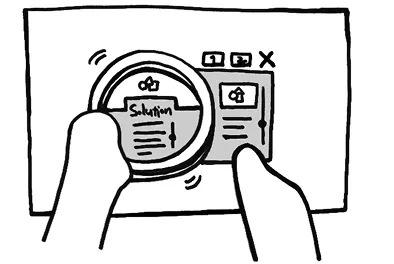
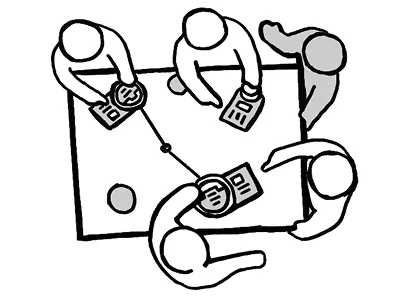
Designed for waist height
The screen lies flat at waist height, far from the eyes. I made buttons large and gave them an accent colour from Trumpf’s CI, toned down explanatory text, and kept animation inside the content windows to a minimum so it wouldn’t compete with the 3D animated background.
Floating bubbles on idle
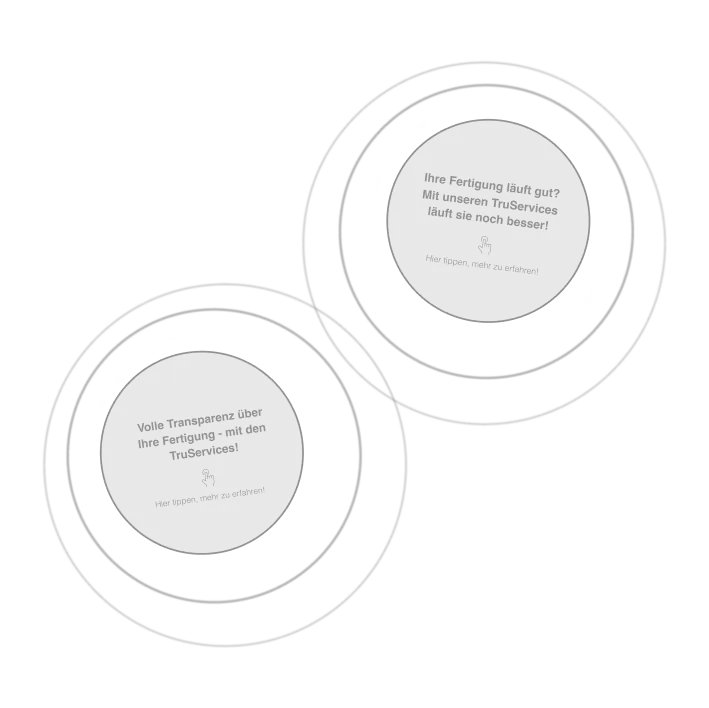
Bubbles with a call to action drift across the screen. A tap unlocks the table and opens the main screen.
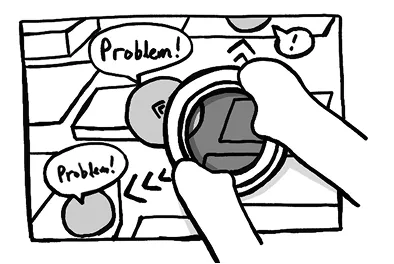
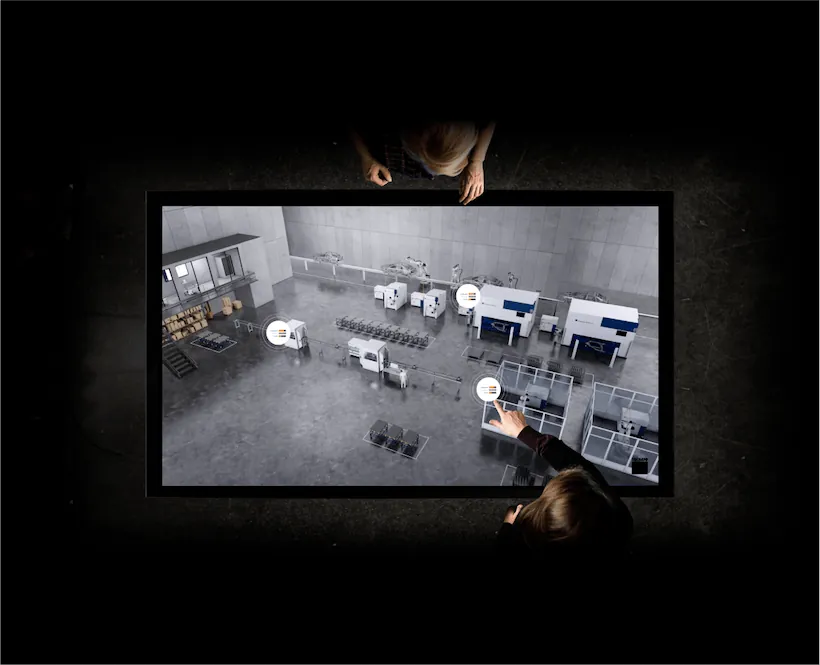
Hotspots with live metrics
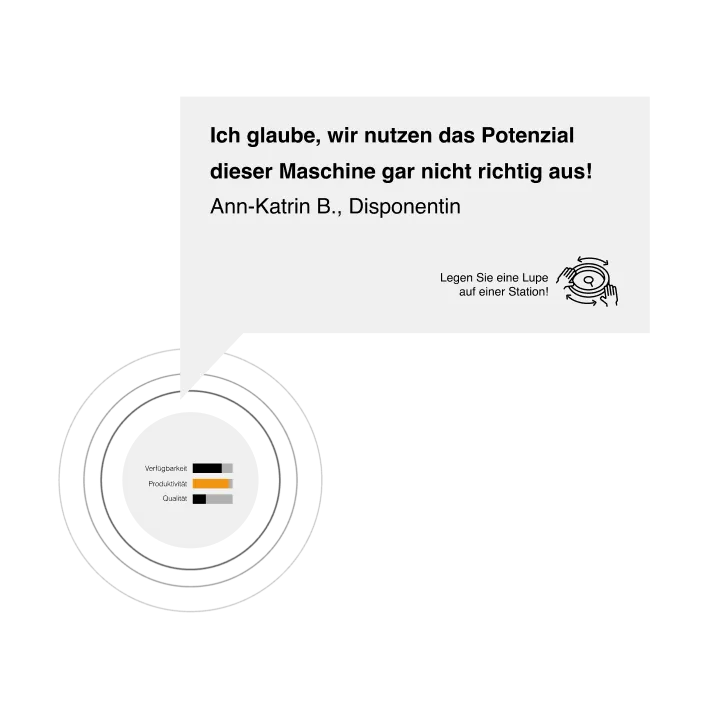
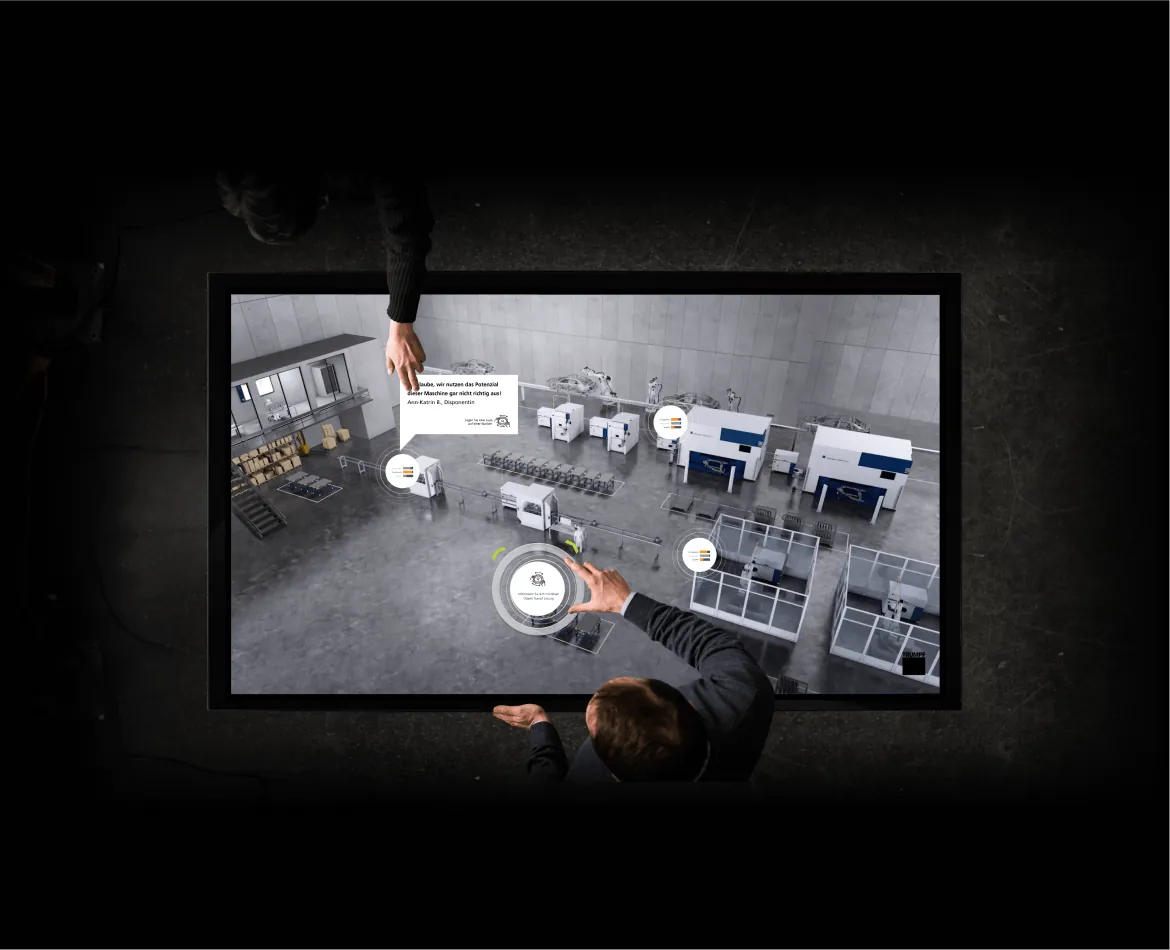
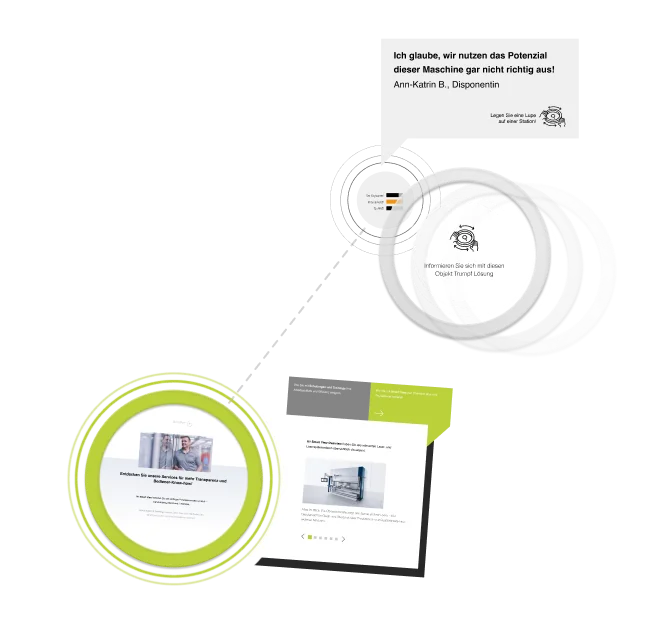
Metrics change randomly. When a value turns poor, a speech bubble describes the problem.
Ring placed on the screen
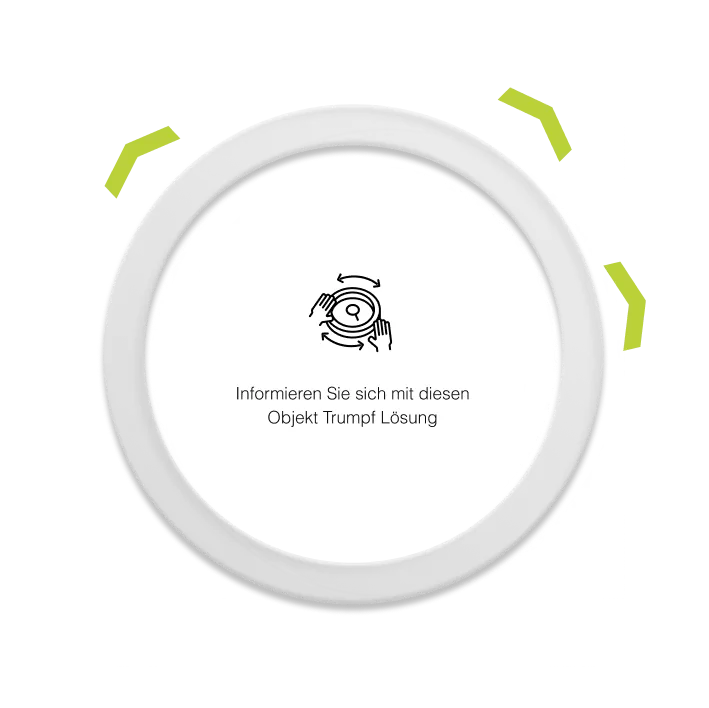
With the Scape X® Magnify ring on the table, arrows point to the nearest hotspots and a prompt appears inside the ring.
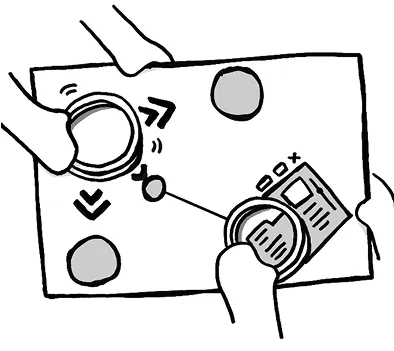
Active ring
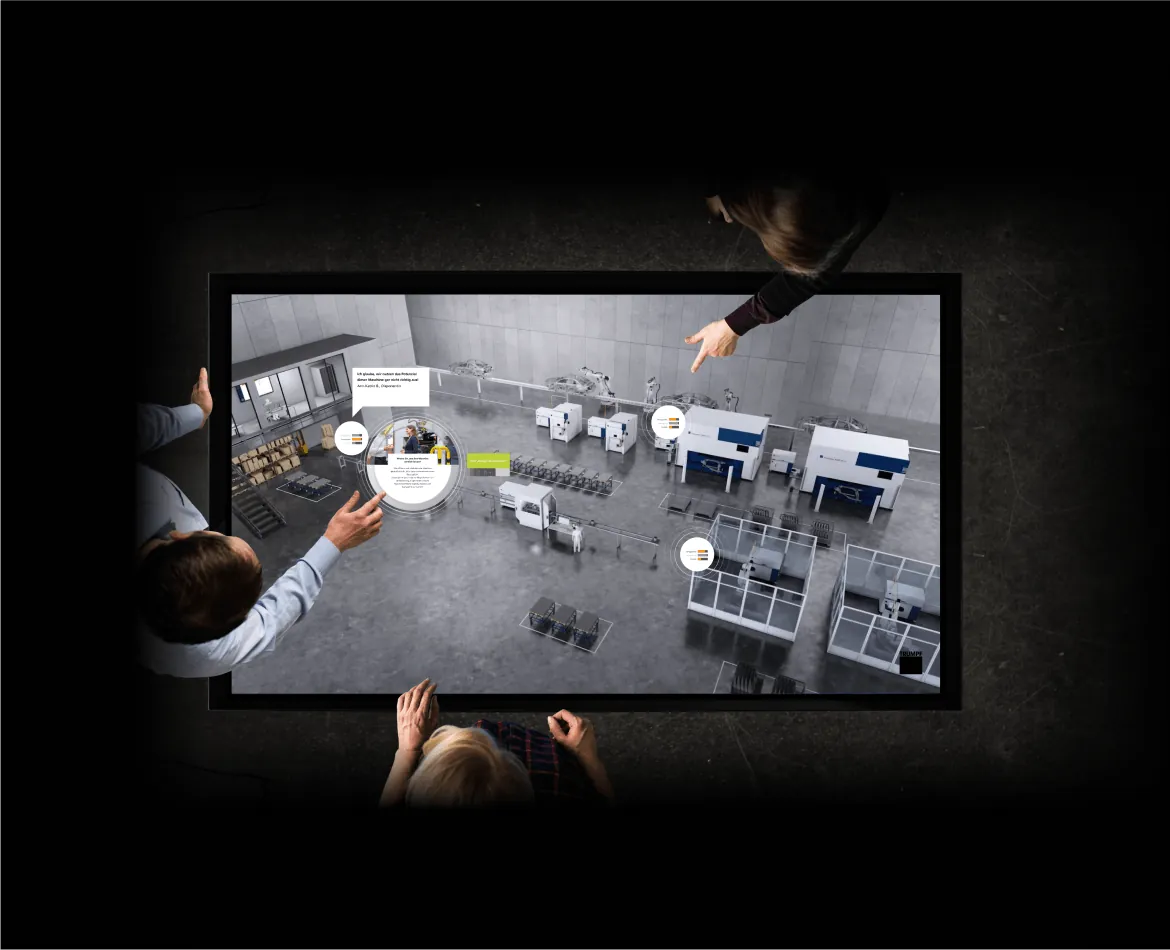
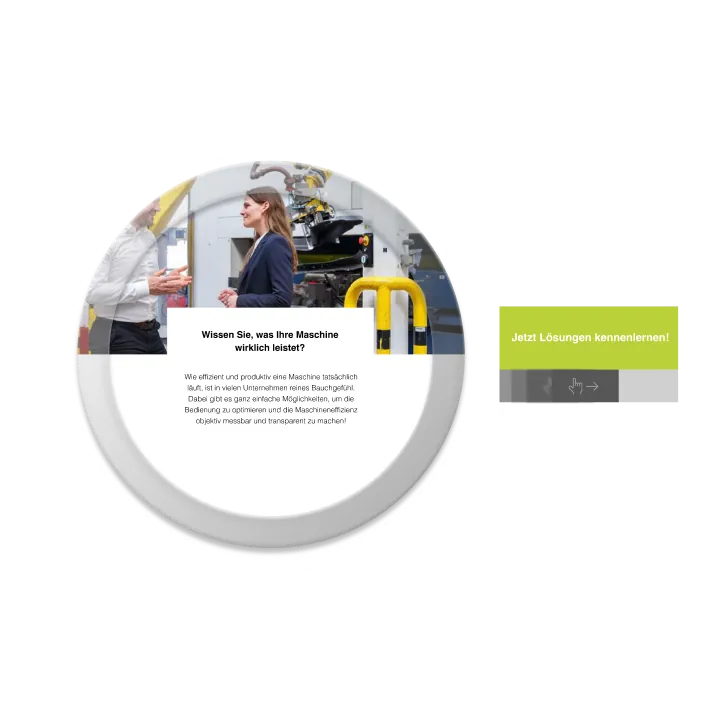
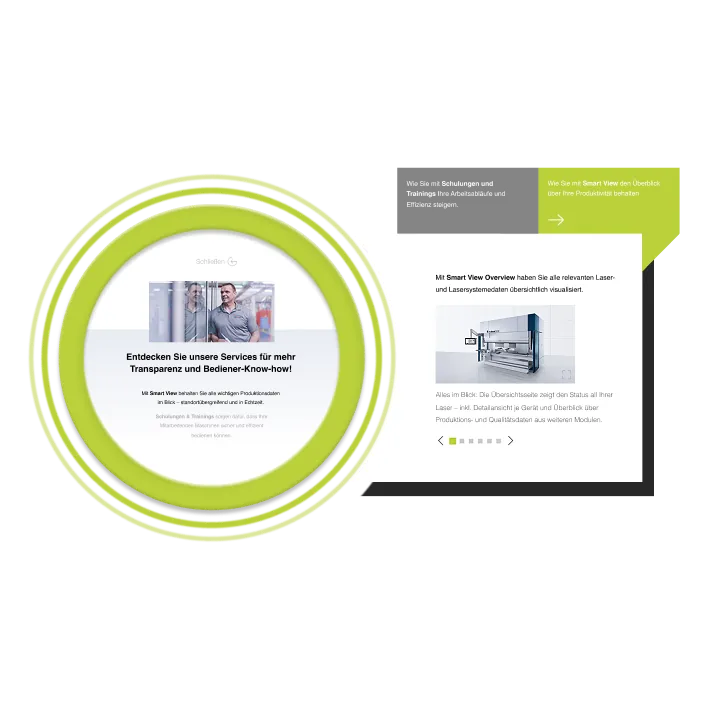
Images and text for the hotspot fill the ring. A panel with a call to action opens to its right.
Unlocked and paired
The different ways to solve the problem appear on the machine.
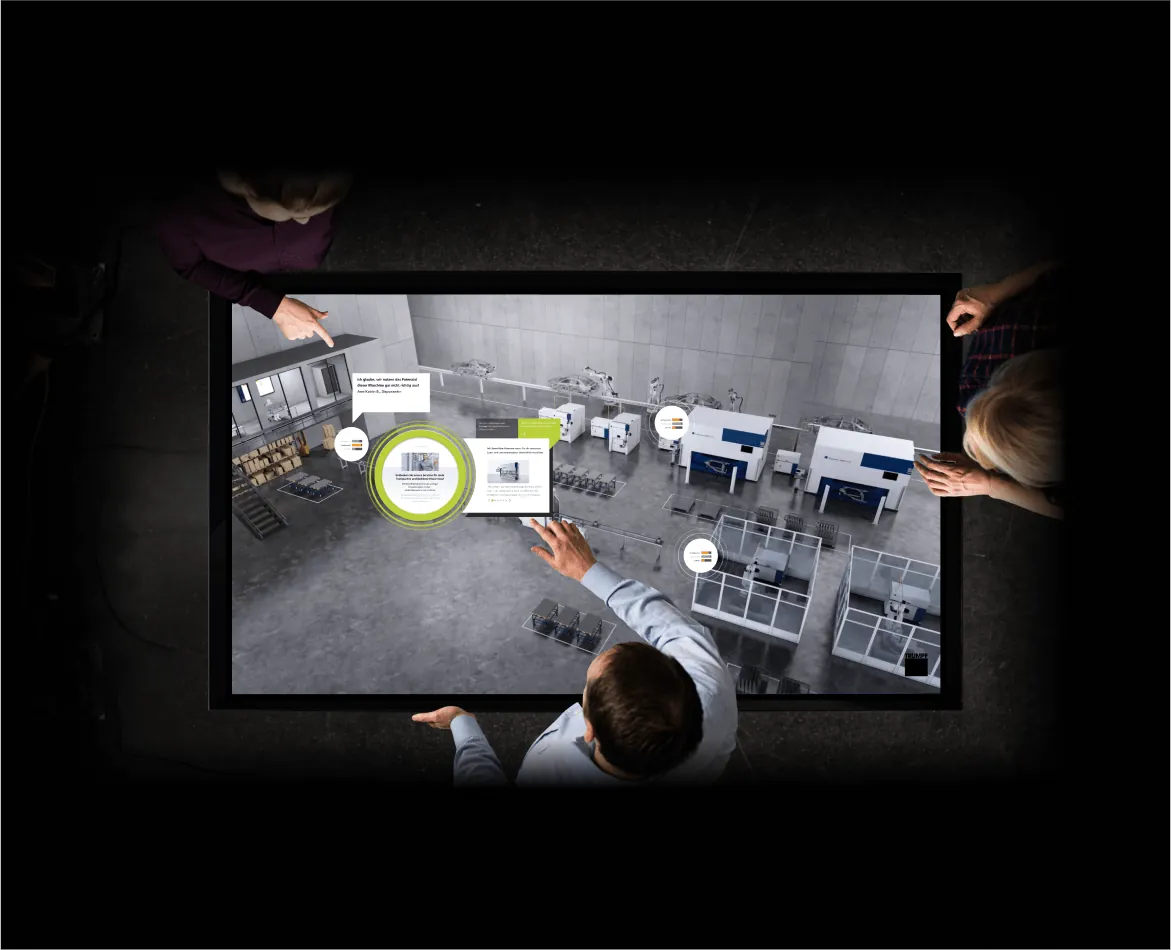
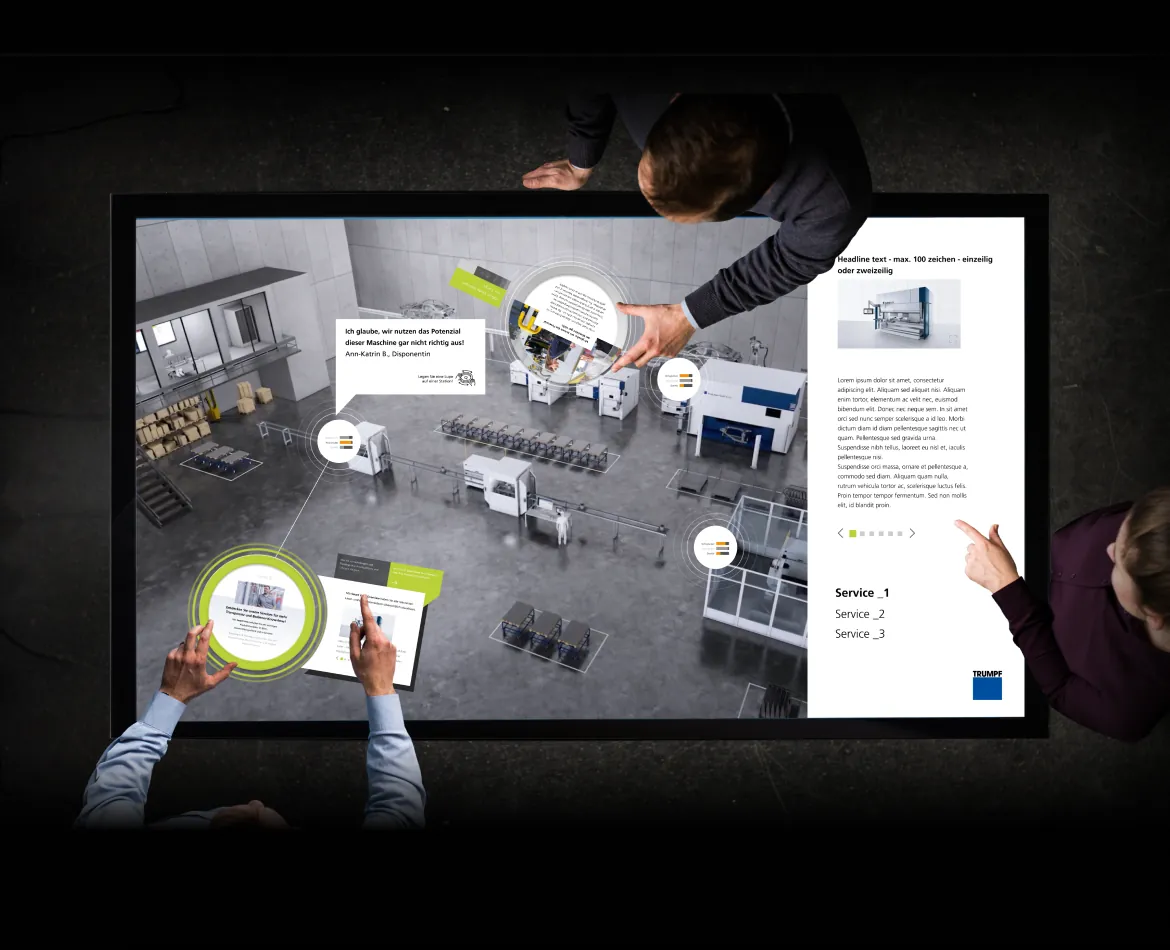
Multi-user and hidden menu
Built for busy booths with several users at once. A hidden menu gives sales associates direct access to consulting content.
His natural ability to connect with people allowed him to establish great relationships across all departments.
During workshops with our client and project manager, Hansol’s ability to develop UX concepts was invaluable. Even when faced with complex or unfamiliar content, he wasn’t afraid to ask honest, clarifying questions. This helped build trust and rapport with the client.